Order Atlas / CMS curation
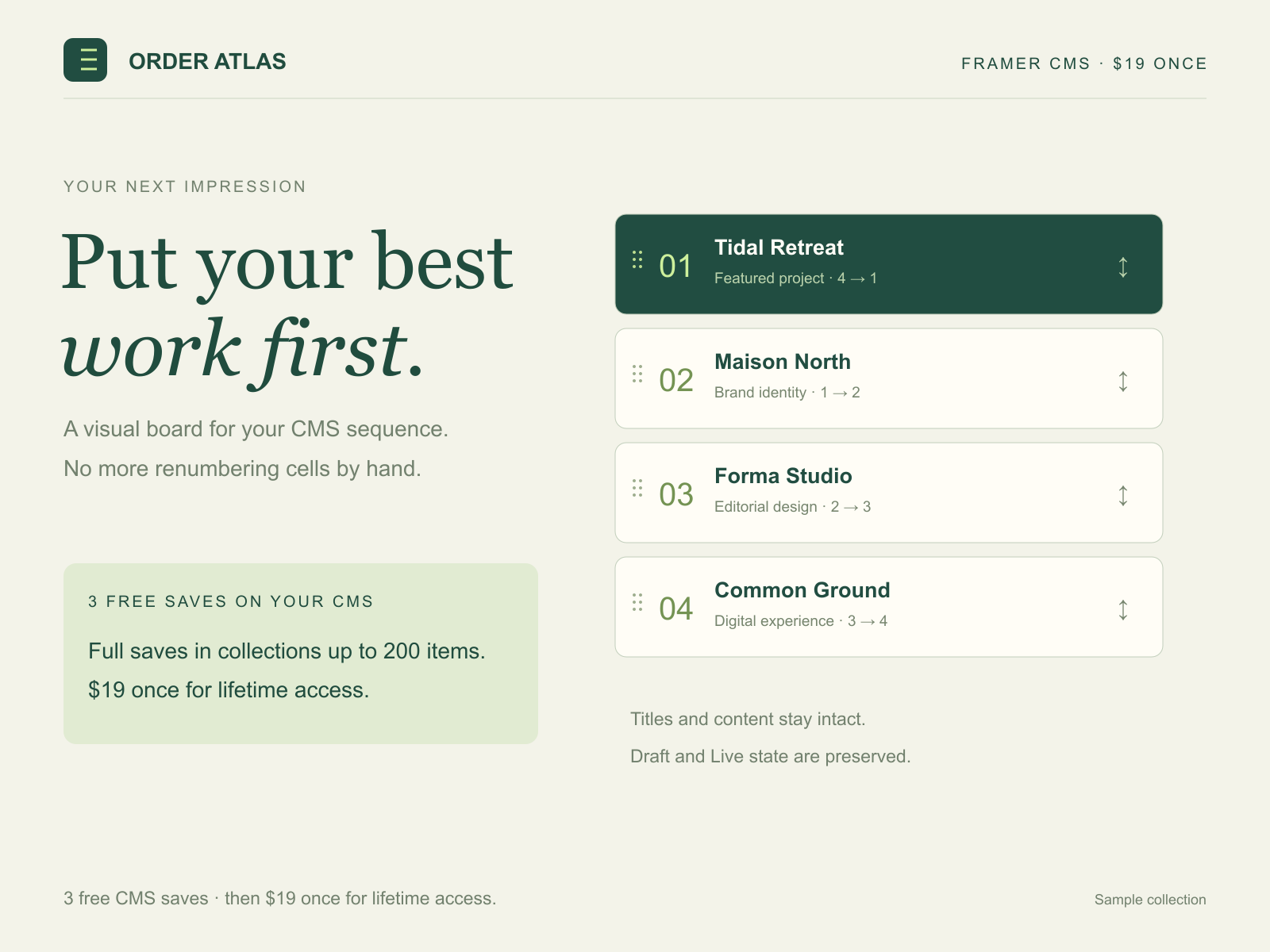
Put your best work first.
Visually arrange your CMS collection without renumbering cells by hand. Try 3 full saves free, then $19 once for lifetime access.
Put your best project first →$19 USD once · One creator · Own and client projects
3 full CMS saves free. Then lifetime access. Preview and conditional recovery stay free.
Visual ordering with keyboard-friendly controls
Save the sequence without renumbering by hand
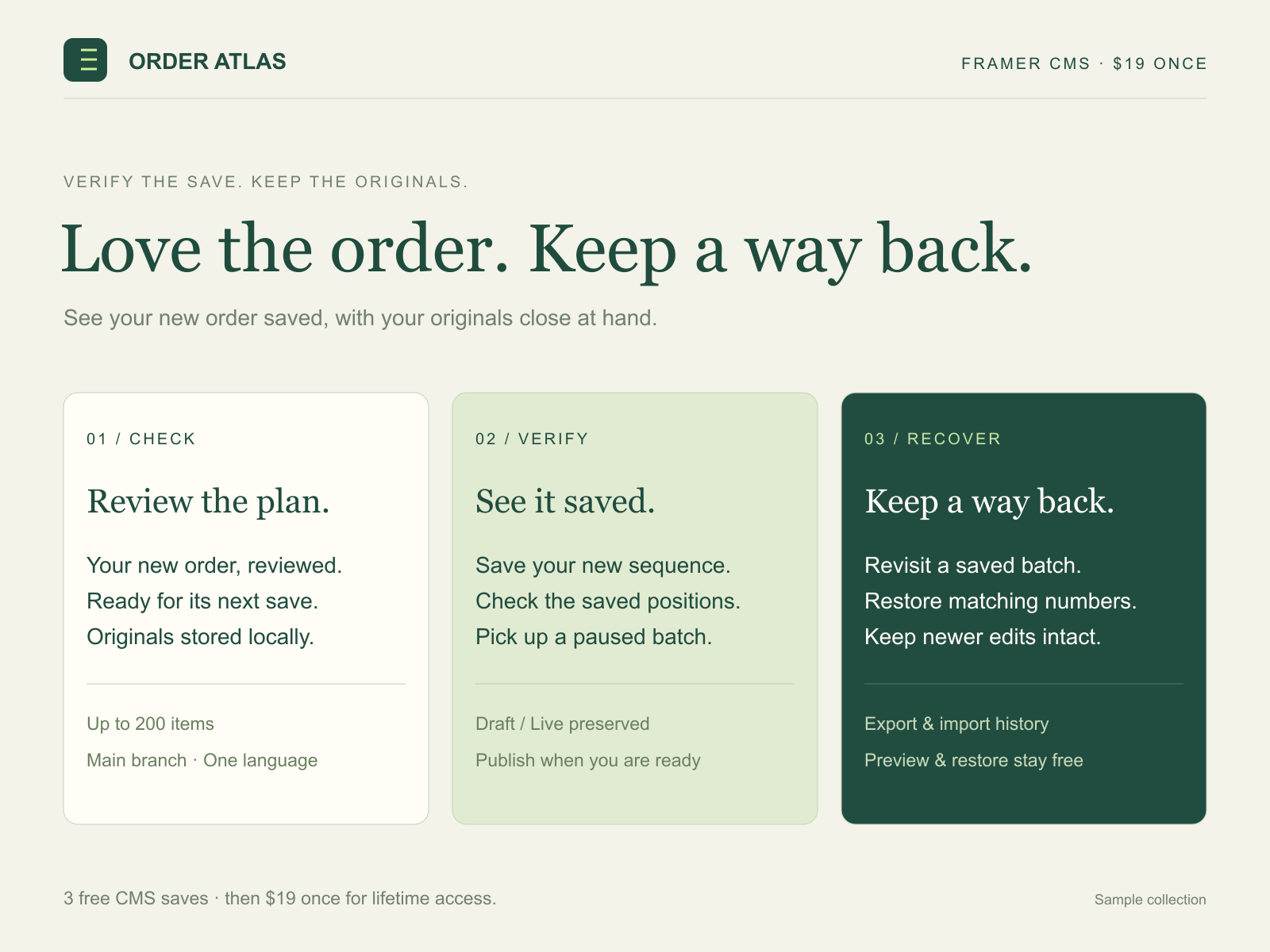
Restore original positions while preserving later edits
A clearer way to curate.
From the first arrangement to the final save. Explore the sample board below.
From idea to finished batch
For portfolios, featured projects and curated collections.
- Choose an existing user-managed CMS collection and Number field.
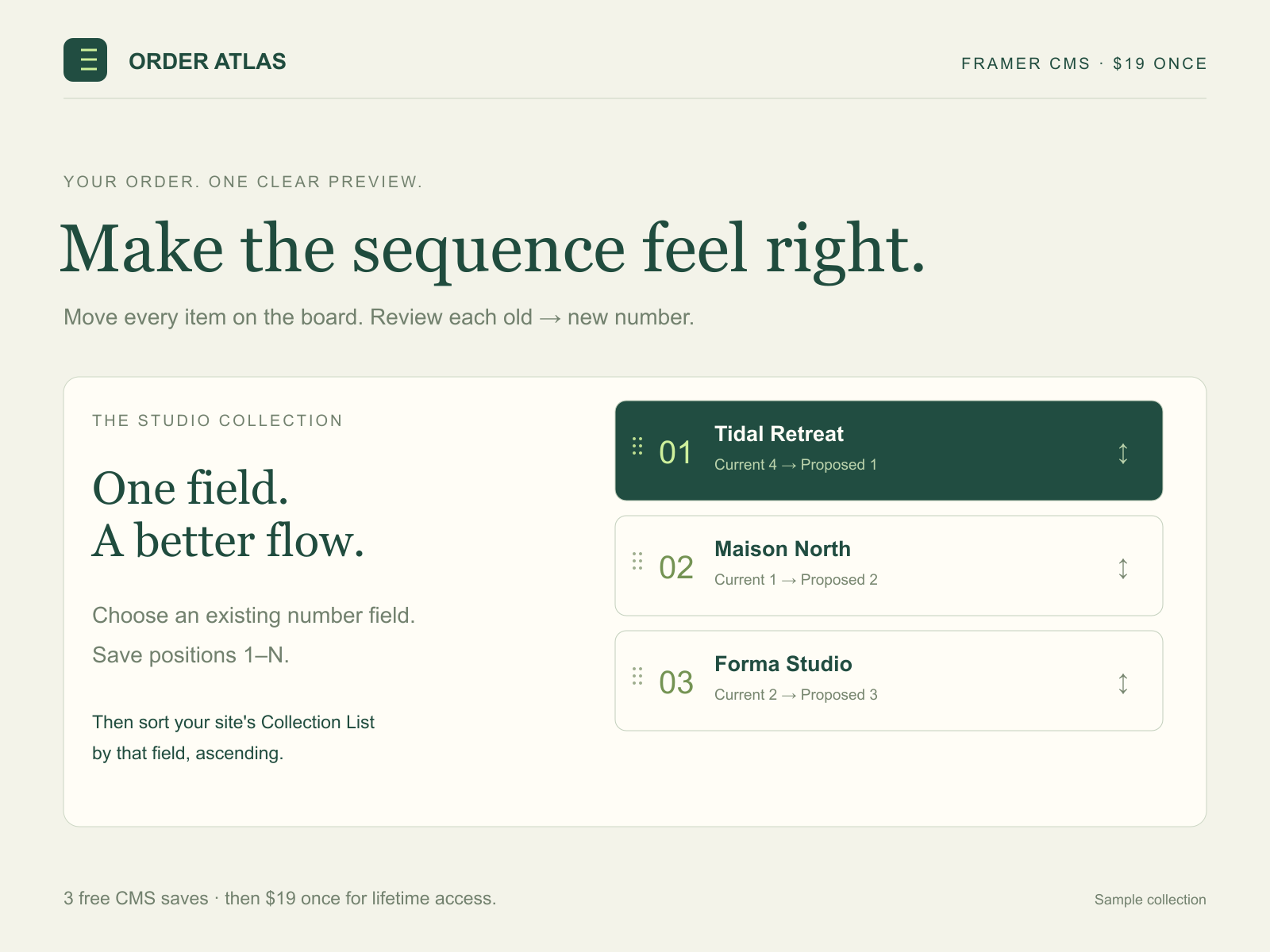
- Arrange all items, including drafts, with drag-and-drop, arrow buttons or a position number. Review old and new values before saving positions 1–N.
- Set your Framer Collection List to sort by that field ascending. Keep a local recovery export before clearing browser data.
Made for your next project
Try 3 real CMS saves free, with the same features and 200-item collection limit as paid access. Then get unlimited saves for $19 USD once for lifetime access. One creator, your own and client projects. Existing paid licenses stay valid.
Each batch uses one save when its first CMS write starts, including an interrupted batch. Preview, arrange and cancel before writing for free. Verification and conditional restore stay free after all three saves. Your trial and recovery records stay in this browser; export a recovery copy to keep.
Arrange up to 200 items in an existing Number field on the main branch of a single-language project. Give each item a starting number, then save consecutive positions while keeping titles, slugs and Draft/Live status intact. Set the page’s Collection List to that field, ascending. Restore original values where they still match the saved batch; newer edits stay yours.
Choose the batch, review the result and publish when you are ready. Run one editing session at a time to keep your changes together.
Read the full Framer listing ↗Your next batch starts here